CK44 iOS Guide for iPhone Users

CK44 Mobile Access Screenshots
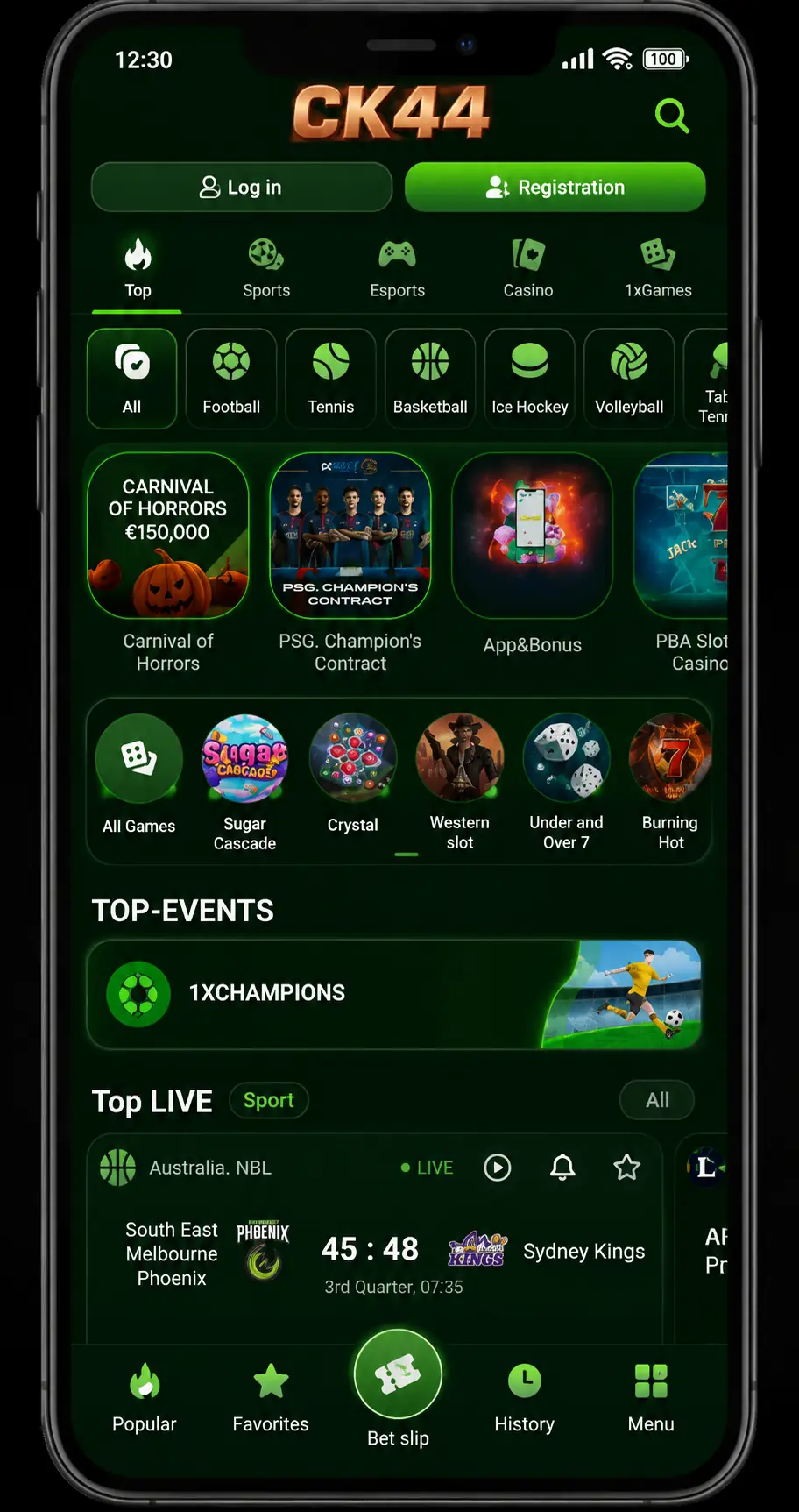
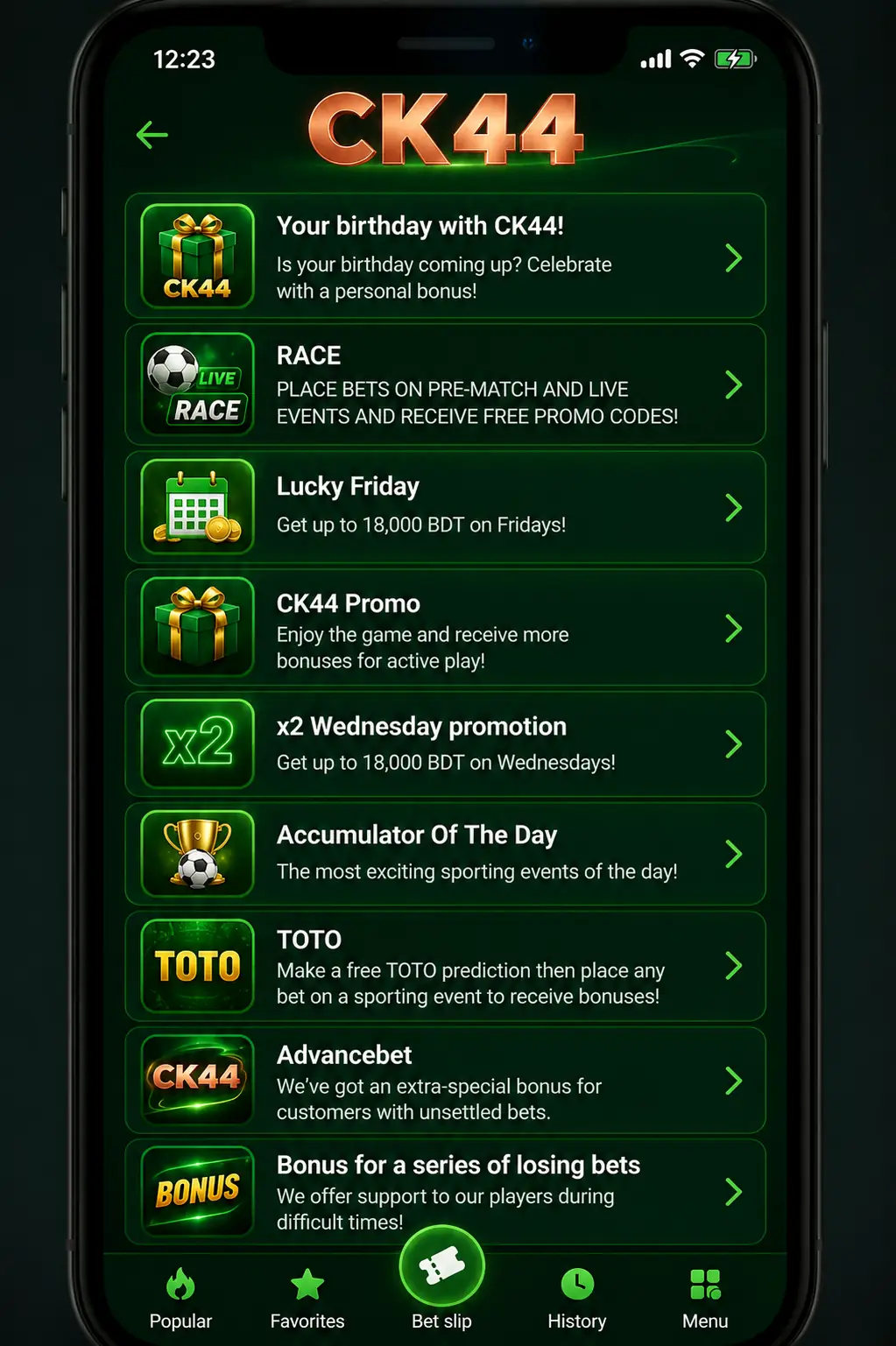
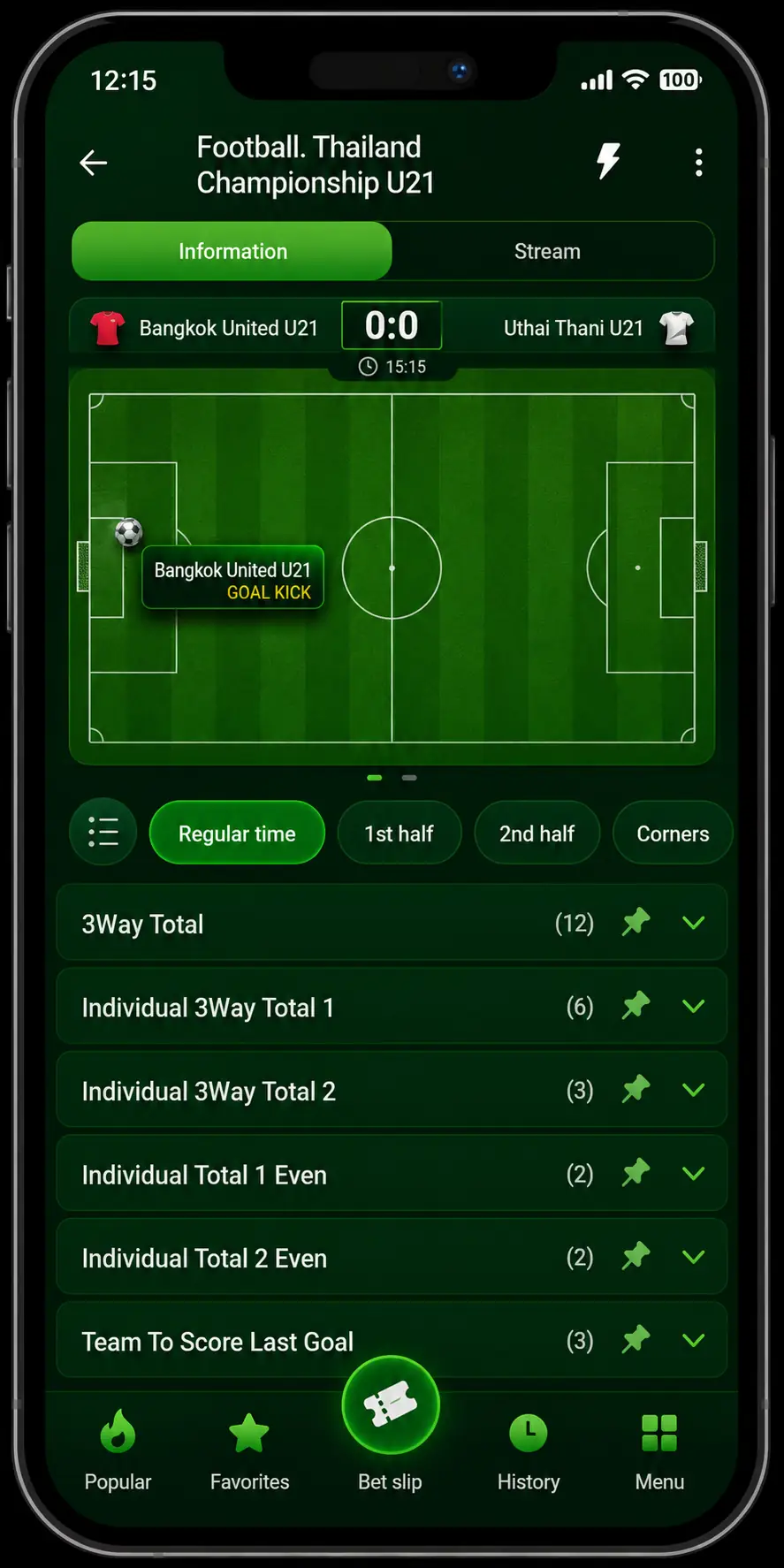
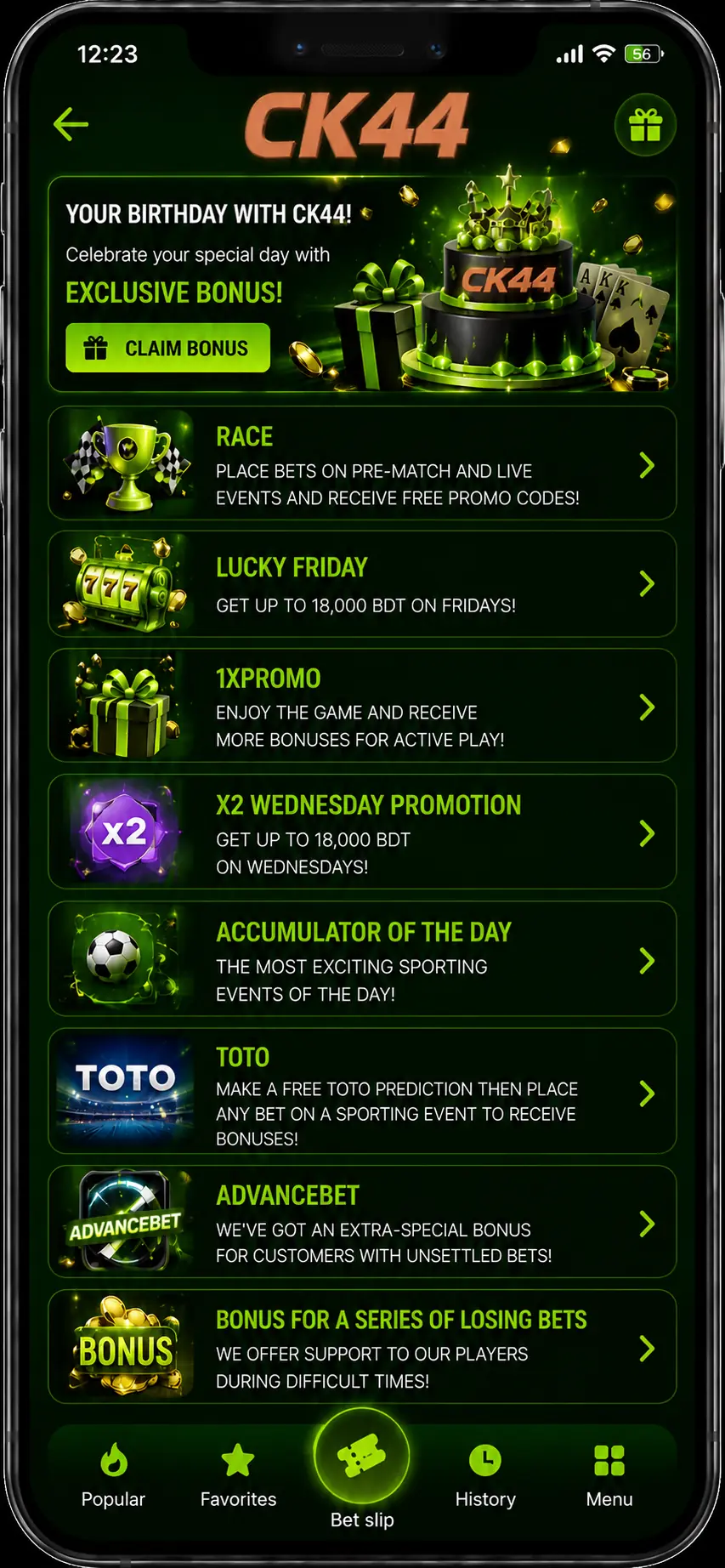
CK44 Access on iPhone
The CK44 iOS app guide is built for iPhone and iPad users who want quick access to casino games, Aviator, sportsbook markets, local payment notes, and secure login guidance without a heavy download.
Core Details
- CK44 can be opened through Safari and saved to the Home Screen.
- Works on iOS 12+ and adjusts to iPhone and iPad screen sizes.
- Access covers casino games, live casino, Aviator, slots, and betting markets.
Is CK44 iOS safe to use?
This is a guide, not an operator claim. Use only the official route, avoid unknown files, and check payment terms before adding funds.
iOS-Specific Access
- Save CK44 as a Home Screen shortcut for faster return.
- Use iPhone passcode or Face ID to protect device access.
- Keep notifications private if betting or payment alerts are active.
Safari and Home Screen Shortcut Setup
How to Add CK44 from Safari
iPhone users should use Safari and confirm the current CK44 route before logging in. If a regional app listing is unavailable, the PWA shortcut is the cleaner path.
- Access Safari. Navigate to CK44 using Safari on your iOS device.
- Check the address. Confirm the official route before entering personal or payment details.
- Open Share Menu. Tap the Share icon in Safari's bottom toolbar.
- Add to Home Screen. Choose Add to Home Screen and name the shortcut CK44.
- Open the shortcut. Launch CK44 from your Home Screen and sign in from a trusted network.
- Review payment method. Check bKash, Nagad, Rocket, Upay, or USDT notes before deposit.
- Read terms. Review promotion, withdrawal, KYC, and responsible play notes first.
 CK44
CK44Creating app shortcut
Safari - Wallet - Casino- Regional access and payment options may change over time.
- Existing app updates may fail until the current route is confirmed.
- Do not download iOS files from social chat or unknown mirrors.
- Use responsible play limits before starting long sessions.
After Installation
- Launch CK44 from the Home Screen shortcut.
- Log in or register from the current route.
- Check wallet options before adding funds.
- Enable device-level privacy settings for alerts and passcode security.
KYC Verification
CK44 may require identity checks before withdrawals or account recovery. Prepare a valid ID, matching account details, and payment ownership proof if support requests verification.
How KYC works:
- Open account verification from the app route.
- Upload a clear ID or requested document.
- Take a selfie if support asks for one.
- Wait for review before repeating withdrawal requests.
| Account Status | Daily Withdrawal Review |
|---|---|
| Unverified | Small limits, extra checks |
| KYC pending | Documents under review |
| KYC verified | Higher review range by account history |
QR Code Option
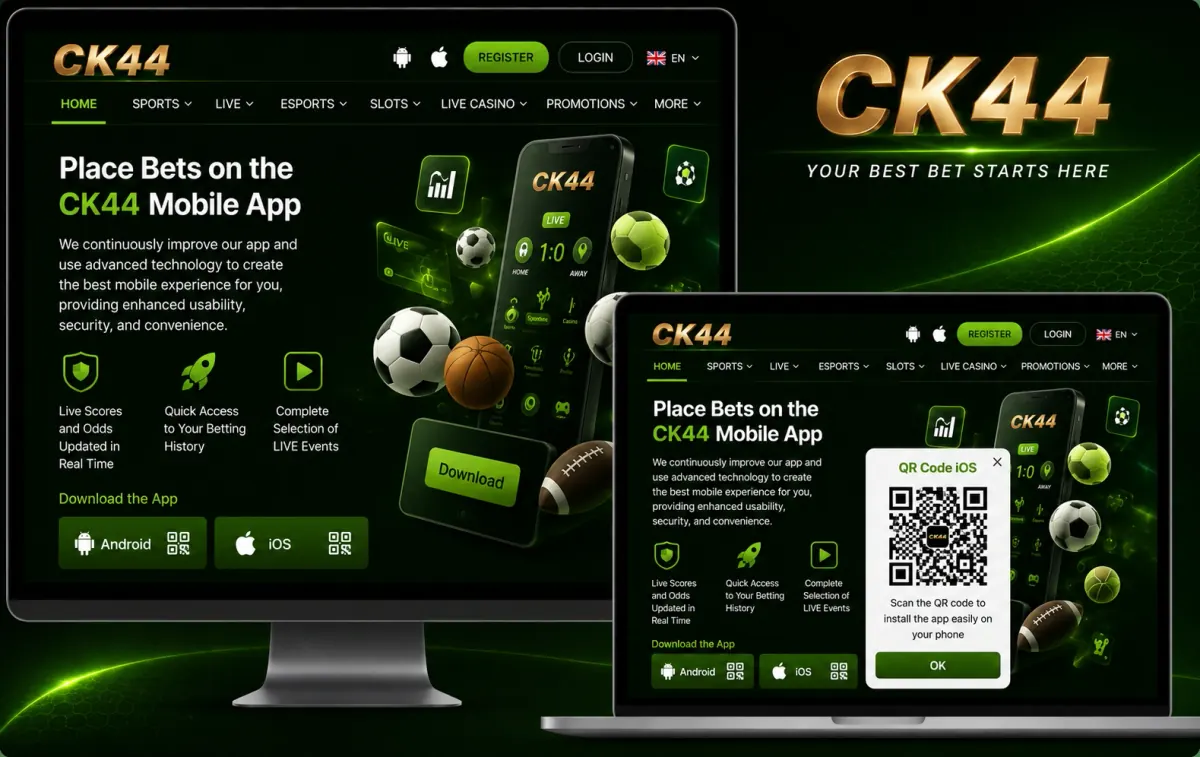
- QR access is useful when moving from desktop to iPhone without typing long links.
- Scan only from a trusted CK44 route and avoid screenshots from unknown groups.
- If a QR page cannot be found, return to Safari and use the Home Screen shortcut.
Installing the CK44 Lite PWA (iOS Only)
A progressive web app keeps CK44 light on iPhone. It behaves like an app shortcut, uses less storage than a native app, and updates through the live website.
CK44 PWA Installation Steps:
- Step 1: Navigate to the CK44 mobile route in Safari.
- Step 2: Tap the Share menu in Safari.
- Step 3: Select Add to Home Screen.
- Step 4: Confirm the shortcut name and icon.
- Step 5: Launch CK44 from the Home Screen.
CK44 PWA vs. Native CK44 App
| Feature | Native iOS App | PWA Shortcut |
|---|---|---|
| App Store required | Usually yes | No |
| Storage use | Medium | Very low |
| Updates | Manual or store-based | Server-side |
| Face ID / Touch ID | Depends on app | Device-level security |
| Best for | Users with regional listing | Fast access and low storage |
PWA Advantages:
- No regional App Store change needed.
- Near-zero storage compared with native downloads.
- Updates when the CK44 route updates.
PWA Limitations:
- No biometric app container by itself.
- Push notifications depend on browser and iOS settings.
- Offline access is limited.
System Requirements for iOS
| Component | Minimum | Recommended |
|---|---|---|
| Operating System | iOS 12 | iOS 15+ |
| Device Models | iPhone 7 / iPad 6th gen | iPhone 12+ / iPad Pro |
| Storage | 200 MB free | 500 MB+ |
| RAM | 2 GB | 3 GB+ |
| Connectivity | 4G or Wi-Fi | Stable 5G or fiber Wi-Fi |
Compatible Device List:
| Device type | Models | OS support |
|---|---|---|
| iPhone | 7, 8, X, XR, XS | iOS 12+ |
| iPhone | 11, 12, 13, 14, 15 series | iOS 13+ |
| iPhone | 16 series and newer | Latest iOS |
| iPad | iPad 6th gen and newer | iPadOS 12+ |
iOS-Specific Features

On iPhone, CK44 works best when it feels like a clean shortcut instead of a heavy install. Keep the route saved, protect the device, and use the app-style view for quick returns to casino, Aviator, live match, and payment notes.
- Fast return from Home Screen: save CK44 in Safari so the lobby opens quickly without hunting through browser tabs.
- Device-level privacy: use Face ID, Touch ID, or passcode lock before opening account and payment pages.
- Smoother live use: keep a stable network when checking live casino tables, Aviator rounds, or football odds.
- Cleaner payment checks: review bKash, Nagad, Rocket, Upay, or USDT notes before confirming any deposit route.
- Less distraction: use Focus mode if you want betting, wallet, or promo alerts to stay private on your iPhone.
Bonus Terms for Bangladesh Users
CK44 bonus offers can change by account status, payment route, and the current campaign. Use the bonus screen as a quick overview, then read the active terms inside your account before claiming anything.
Welcome Bonus: Full Breakdown
Before depositing, check the minimum amount, expiry time, game eligibility, and wagering rules. A clear bonus page should explain what counts, what does not count, and when a withdrawal review may apply.
| Bonus Type | Offer | Min Deposit | Wagering Requirement |
|---|---|---|---|
| Sports Welcome | Shown after account review | Varies by campaign | Check odds, market, and settlement terms |
| Casino Welcome | May include bonus credit or spins | Varies by payment method | Review game contribution and expiry rules |
Payment Checks on Mobile
Payment actions should be completed from inside the current CK44 account route. Do not send funds until method, account number, and minimum amount are clear.
| Method | Type | Deposit Time | Notes |
|---|---|---|---|
| bKash | Mobile wallet | Fast | Most familiar route for many users |
| Nagad | Mobile wallet | Fast | Confirm number and wallet name |
| Rocket | Mobile wallet | Fast | Useful alternate route |
| Upay | Mobile wallet | Fast | Check current wallet screen |
| USDT | Crypto | Network-based | Confirm chain and address carefully |
Sports Market Notes on iOS
| Category | Coverage | Key Details |
|---|---|---|
| Football | Asian leagues, EPL, UEFA | Pre-match and live betting |
| Basketball | NBA, EuroLeague | Live betting, totals, handicaps |
| Cricket | BPL, IPL, international matches | Session markets and match odds |
| Esports | Dota 2, CS2, League of Legends | Live map markets |
Game Lobby Notes on iOS
- Slots and crash games including Aviator-style game access.
- Live dealer tables such as roulette, baccarat, and blackjack.
- Casino lobby browsing with account and wallet notes nearby.
Troubleshooting for CK44 iOS

Most iPhone issues come from an old route, cached Safari data, or account settings that need review. Start with the simple checks below before contacting support.
| Issue | Possible Cause | What to Do |
|---|---|---|
| App will not open | Old shortcut or Safari cache | Open CK44 from the current route, then recreate the Home Screen shortcut. |
| Payment option missing | Account, region, or wallet review | Check the wallet page again and confirm the method before sending funds. |
| Face ID is not available | Device permission is off | Review iPhone Face ID settings and keep the device passcode active. |
| KYC was rejected | Blurred file or mismatched details | Upload clearer documents and wait for support review before retrying withdrawals. |